
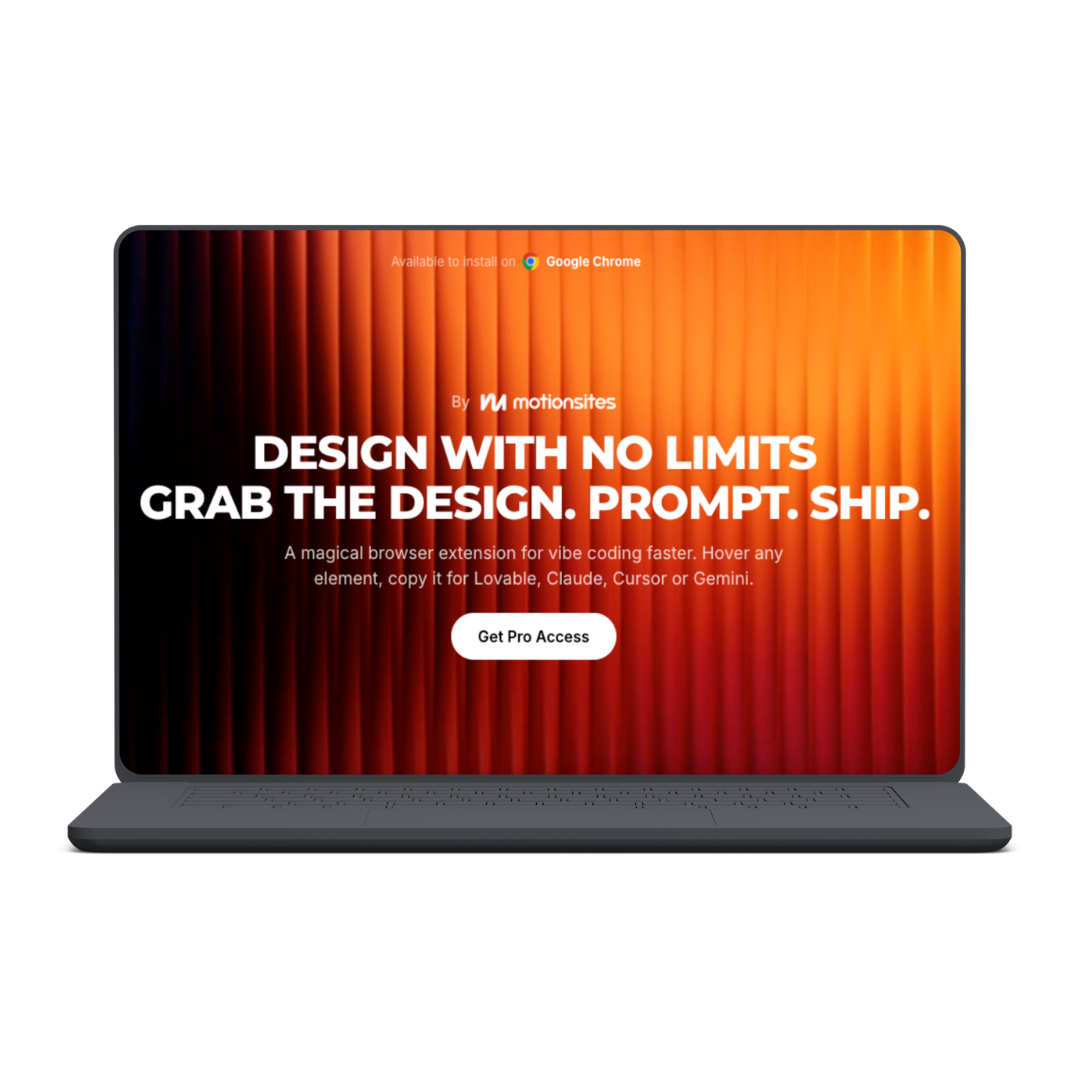
Get Design - Copy Any Website Design In One Click

Capture website design elements with Get Design and move them into Codex, Claude, Cursor, Lovable, Gemini, or Copilot for faster AI web development.
Stop Describing Website Designs From Scratch
AI coding tools can build impressive websites, but they still need clear visual direction. Explaining spacing, typography, alignment, colors, borders, and component structure through a long prompt often produces something different from the design you had in mind.
The extension lets you hover over an element on a website, capture its design, and transfer that context into AI development tools. You can then prompt your preferred coding assistant to recreate, customize, or develop the selected element for your own project.
The result is a faster workflow between finding design inspiration and building a functional interface.
What You Can Do With Get Design
Get Design is built for AI-assisted website creation and “vibe coding” workflows.
You can use it to:
- Select design elements directly from a webpage
- Capture visual references without writing lengthy descriptions
- Move design context into supported AI coding tools
- Rebuild interface patterns for your own projects
- Study the structure of professional web components
- Generate faster starting points for landing pages
- Recreate layouts with your own branding and content
- Experiment with multiple design directions
- Reduce repetitive prompting and visual guesswork
- Communicate design ideas more clearly to coding agents
- Customize captured elements through natural-language prompts
- Move from inspiration to implementation more quickly
Get Design does not remove the need to review the resulting interface. Responsive behavior, accessibility, performance, branding, and code quality may still require testing and refinement.
How Get Design Works
Install the Chrome Extension
Get Design is available as an extension for Google Chrome.
Once installed, it becomes part of your normal browsing workflow. You can explore websites, identify useful interface patterns, and capture elements without constantly switching between screenshots, design software, and written prompts.
Hover Over an Element
When you find a section or component you want to study, hover over it with the extension enabled.
This could include:
- Hero sections
- Navigation bars
- Pricing cards
- Feature grids
- Testimonial layouts
- Buttons and calls to action
- Forms
- Product sections
- Footers
- Other reusable interface patterns
This element-level approach is more precise than sharing an entire screenshot and expecting an AI tool to determine which part matters.
Copy the Design
Get Design captures the selected design so it can be transferred into an AI coding environment.
Instead of manually explaining every visual property, you give the AI more direct context about the component you want to build. This can reduce misunderstandings and produce a more useful first version.
Paste It Into Your AI Tool
The official page advertises compatibility with tools including:
- Codex
- Claude
- Cursor
- Lovable
- Gemini
- Copilot
- Antigravity
You can paste the captured design into your preferred tool and add instructions describing how it should be adapted for your project.
Prompt, Customize, and Ship
After transferring the design, tell the AI what to change.
You might ask it to apply your brand colors, replace the content, adjust spacing, simplify the layout, convert the component to your framework, improve mobile responsiveness, or connect it to the rest of your application.
This turns the source element into a starting reference rather than forcing you to reproduce every detail manually.
Why It Can Improve Vibe Coding
Vague prompts create vague interfaces.
Telling an AI agent to make a page “modern,” “premium,” or “minimal” leaves significant room for interpretation. Providing a direct design reference gives the agent a clearer understanding of the layout and visual direction you expect.
Get Design can be especially helpful when:
- You know what you like but cannot describe it precisely
- Your generated interfaces look too generic
- Screenshots produce inconsistent results
- You want to prototype multiple ideas quickly
- You are building without a dedicated designer
- You need a visual starting point before customizing
The extension helps shorten the gap between seeing a useful design pattern and producing an editable implementation.
Who Is Get Design For?
Get Design may suit:
- AI-assisted developers
- Vibe coders
- Freelance web designers
- Startup founders
- No-code and low-code builders
- SaaS creators
- Landing-page designers
- Marketing teams
- Agencies producing client websites
- Beginners learning interface design
- Developers working with Codex, Claude, or Cursor
- Lovable and Gemini users building rapid prototypes
Traditional developers can also use it as a visual-reference tool when recreating components inside an existing codebase.
See More: Kyle Skelly - The Future Designer
Get Design - Copy Any Website Design In One Click
Name of course: Get Design - Copy Any Website Design In One Click
Delivery Method: Instant Download (Mega)
Contact for more details: Digitalhub.courses@gmail.com